Count objects in images
with AI + human control.
Count repeated objects in dense, overlapping or complex scenes. Define examples, adjust sensitivity, review detections and export transparent results you can defend.
Production-ready outputs
- ✔ AI-assisted visual detections
- ✔ Manual corrections & validation
- ✔ Sensitivity adjustment control
- ✔ Export annotated images
- ✔ Reproducible and auditable results
How to Use the Counting Tool
1. Upload an Image
Upload a clear image where the objects to be counted are visible and distinguishable from the background.
2. Mark Objects with Boxes
Draw bounding boxes around representative objects to indicate what should be detected and counted.
3. Generate the Counter
Run the detection process to automatically calculate the total number of matching objects in the image.
4. Adjust Advanced Settings
Refine detection parameters, sensitivity or exclusions in advanced options to improve counting accuracy.
How to Count Objects in an Image

Upload an image
Add an image or simply drag and drop it into the workspace to start the counting process.
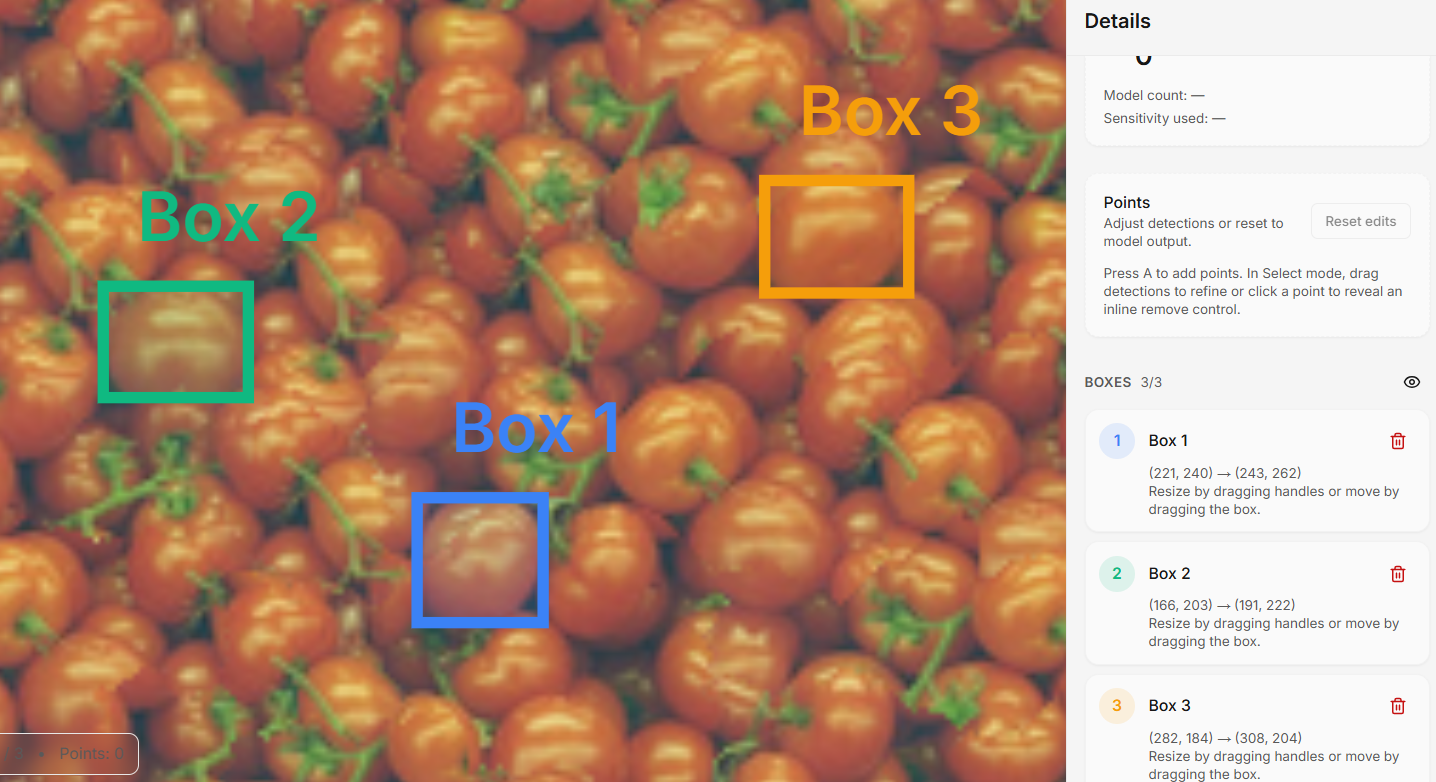
Draw boxes
Select Draw Box and draw up to three example boxes around clear, fully visible objects. Avoid blurry or cut objects. These examples guide the AI detection.
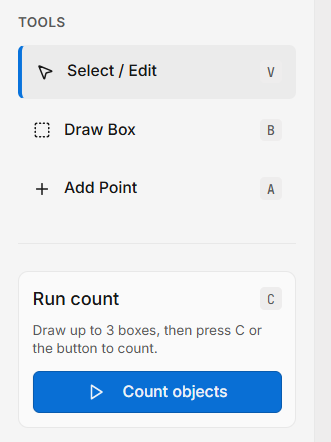
Run the count
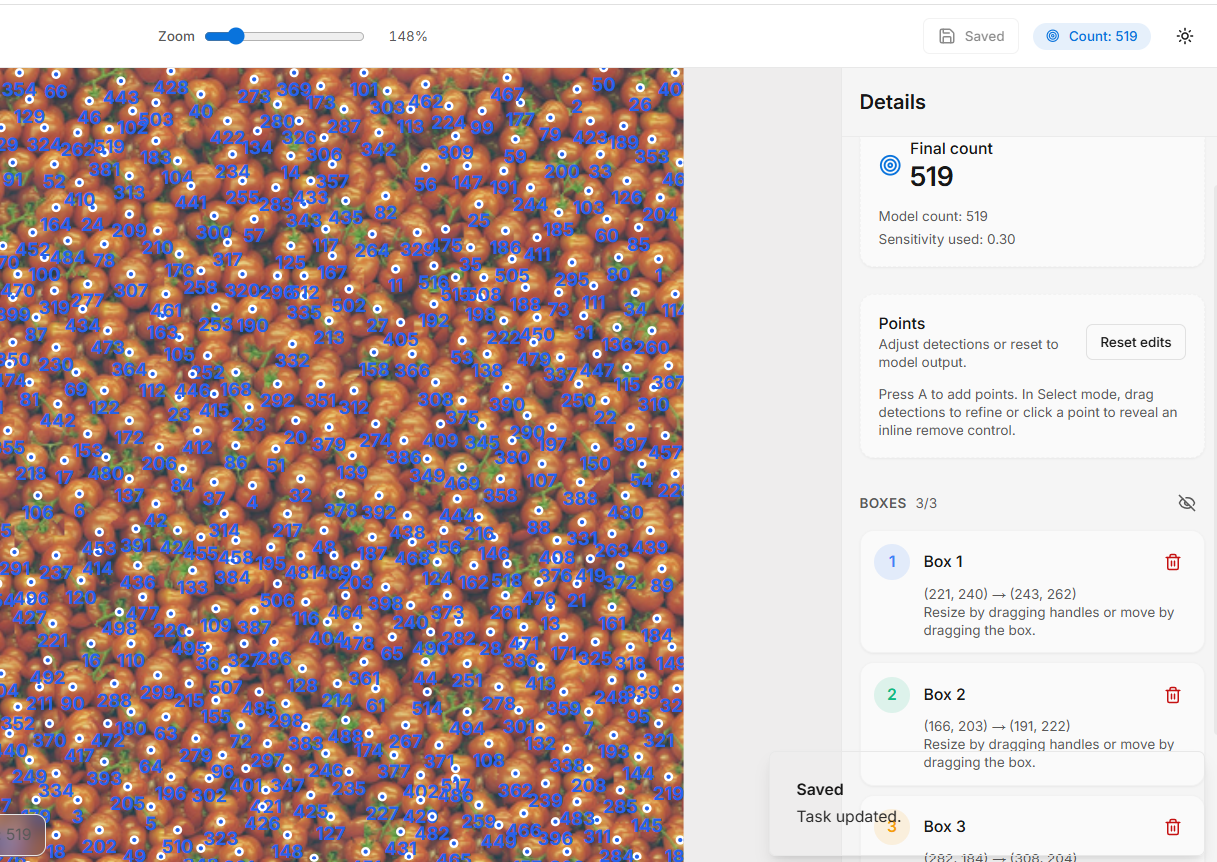
Click Count Objects. The system detects similar objects, places detection points, and displays the final total automatically.
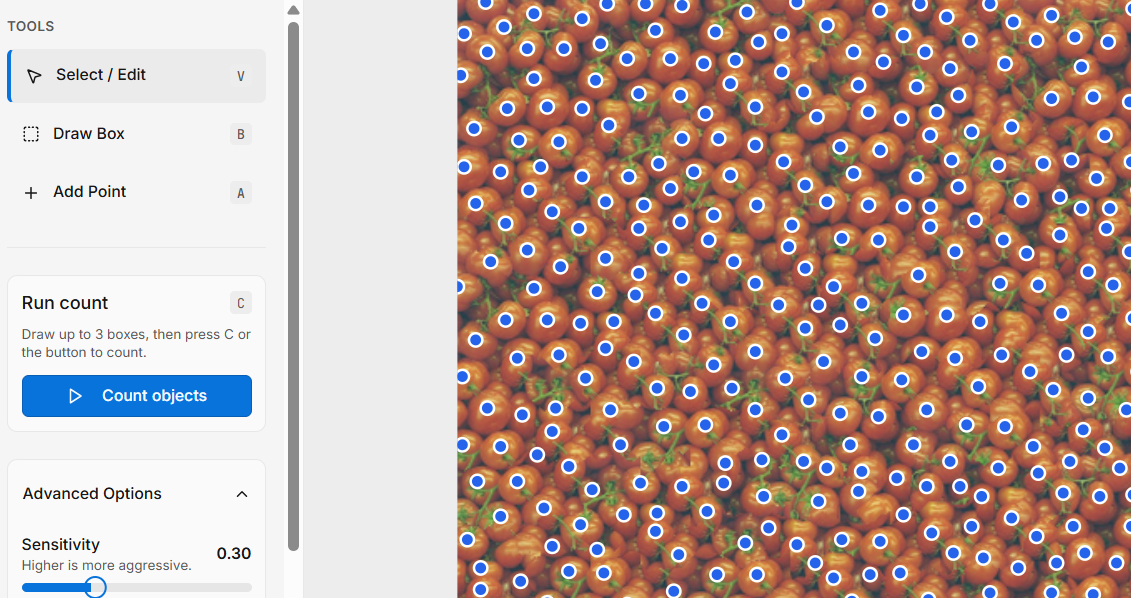
Adjust sensitivity
Increase sensitivity to detect more objects, or lower it to reduce false positives. Ideal for dense or overlapping objects.
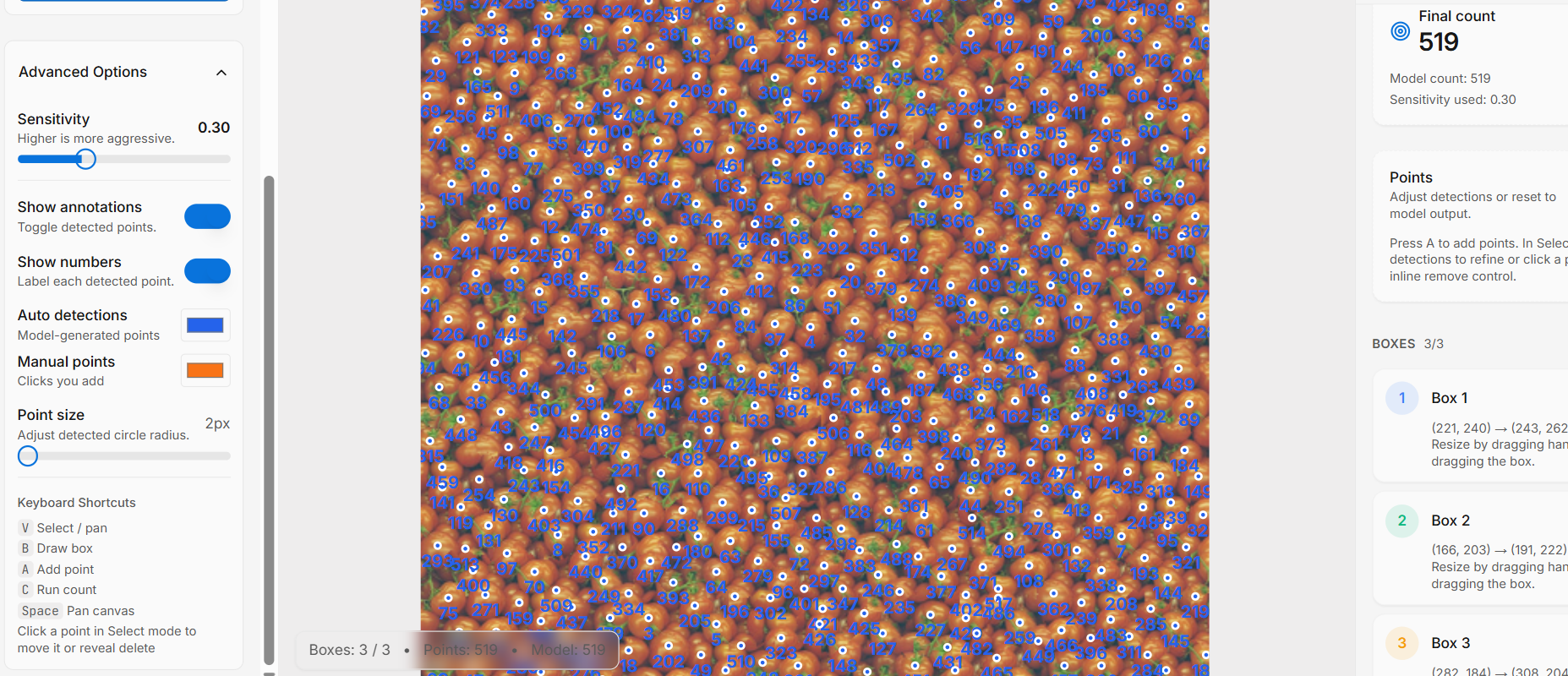
Advanced options
Enable Show Numbers and Show Annotations to validate results visually. Adjust point size for dense images.
Save results
Click Save to store your final object count.
Built for Professional Workflows
🌾 Agriculture
Crop and plant counting in field images.
🏭 Manufacturing
Component control and production validation.
🔬 Laboratories
Visual sample analysis and structured reporting.
🔍 QA & audits
Verified counts with visual evidence for reports and reviews.
Stop estimating. Start counting.
AI-assisted object counting with full transparency and human validation.
Try the Counting Tool