Extract dominant colors
with precision and control.
Convert images into structured, verifiable color data. Extract dominant palettes and inspect precise HEX, RGB, HSL, HSV and CMYK values ready for design, QA and production workflows.
What the Color Tool Provides
- ✔ Dominant color extraction
- ✔ Exact HEX, RGB, HSL, HSV & CMYK values
- ✔ Organized visual palettes
- ✔ Automatic & manual region analysis
- ✔ Exportable color samples
How to Use the Color Tool
1. Upload a High-Quality Image
Select a well-lit and color-accurate image. Neutral lighting conditions improve the precision of extracted values.
2. Generate or Select Colors
Automatically extract dominant colors or manually select specific regions. Use the zoom or magnifier tool to precisely target individual pixels for accurate sampling.
3. Review Technical Formats
Analyze color values in HEX, RGB, HSL, HSV or CMYK depending on your design, manufacturing or QA workflow.
4. Copy Values
Copy color codes for documentation, production alignment or ecommerce consistency.
How to Extract & Pick Colors from an Image
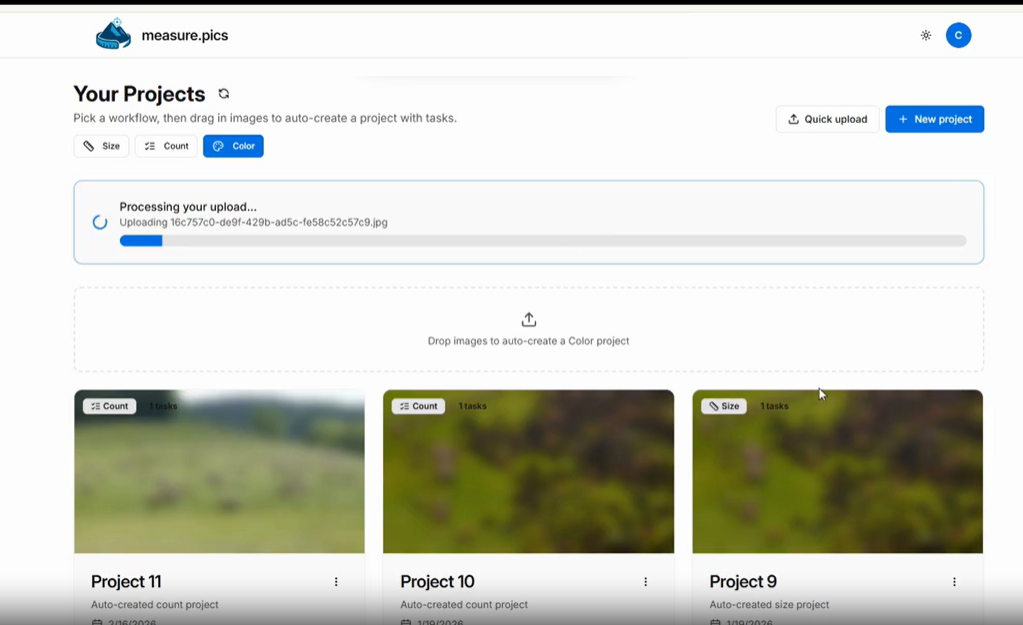
Upload an image
Add an image or simply drag and drop it into the workspace. When you upload the image, the system automatically analyzes it and identifies the most representative tones based on their distribution and visual weight.
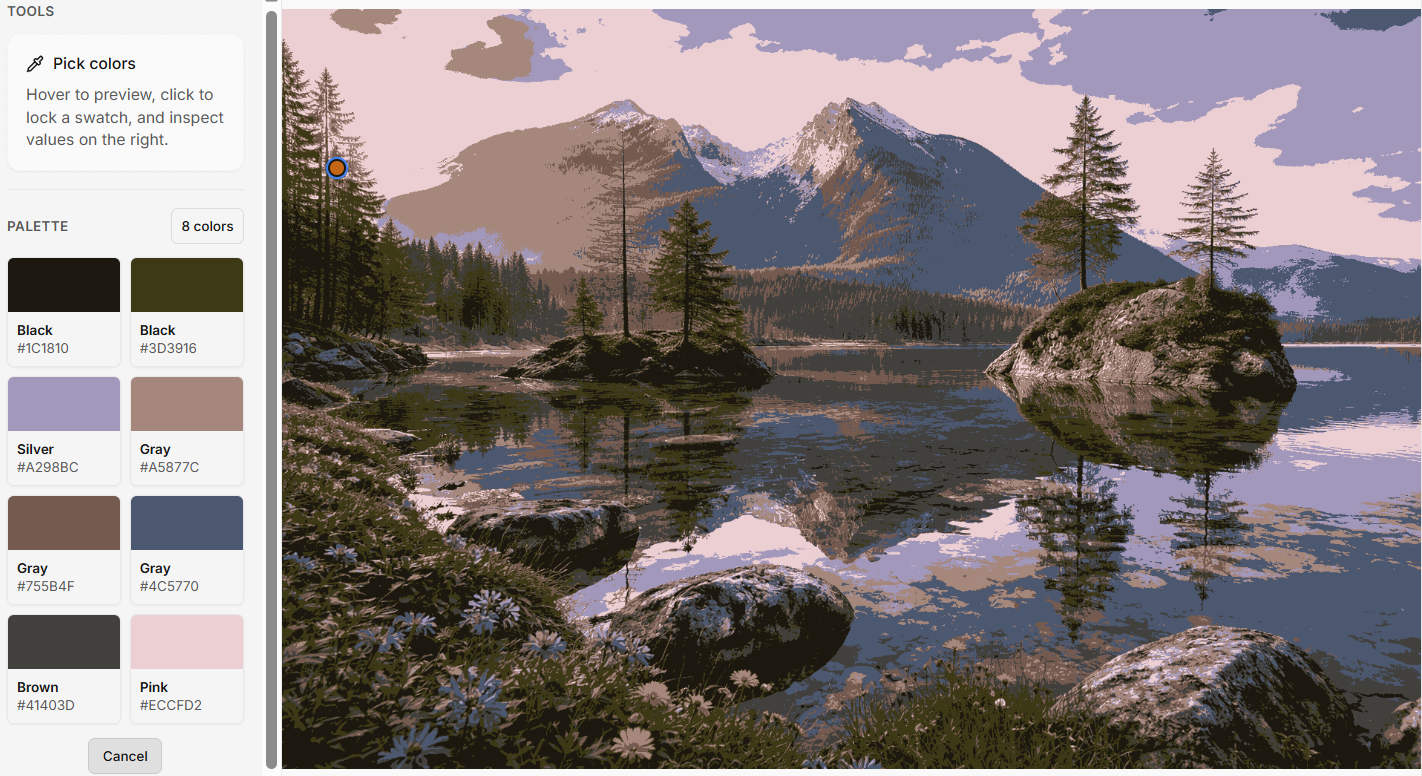
Apply the palette to the image
Click Apply on Image to remap the image using only the detected dominant colors. This helps you visually validate the palette, analyze color consistency, and evaluate contrast and harmony.
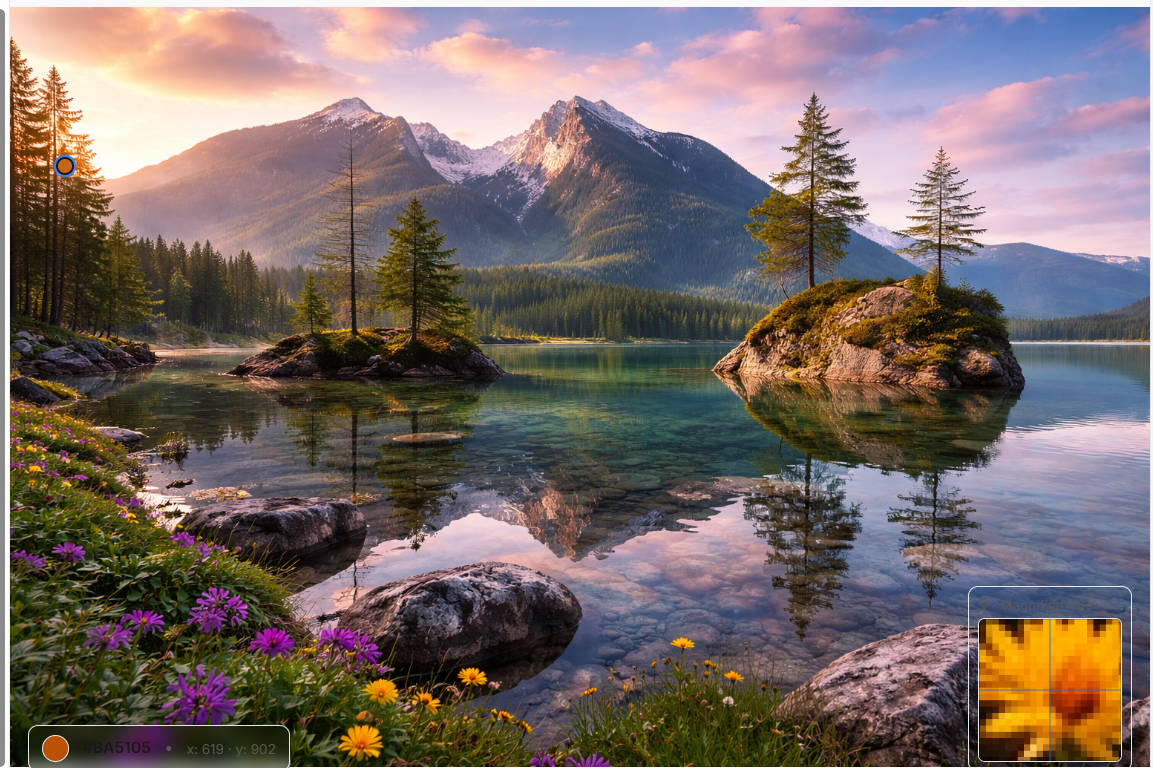
Inspect colors with zoom
Use the zoom magnifying glass to inspect pixels in detail by moving the cursor over the image. This is ideal for accurate color selection in high-resolution images.
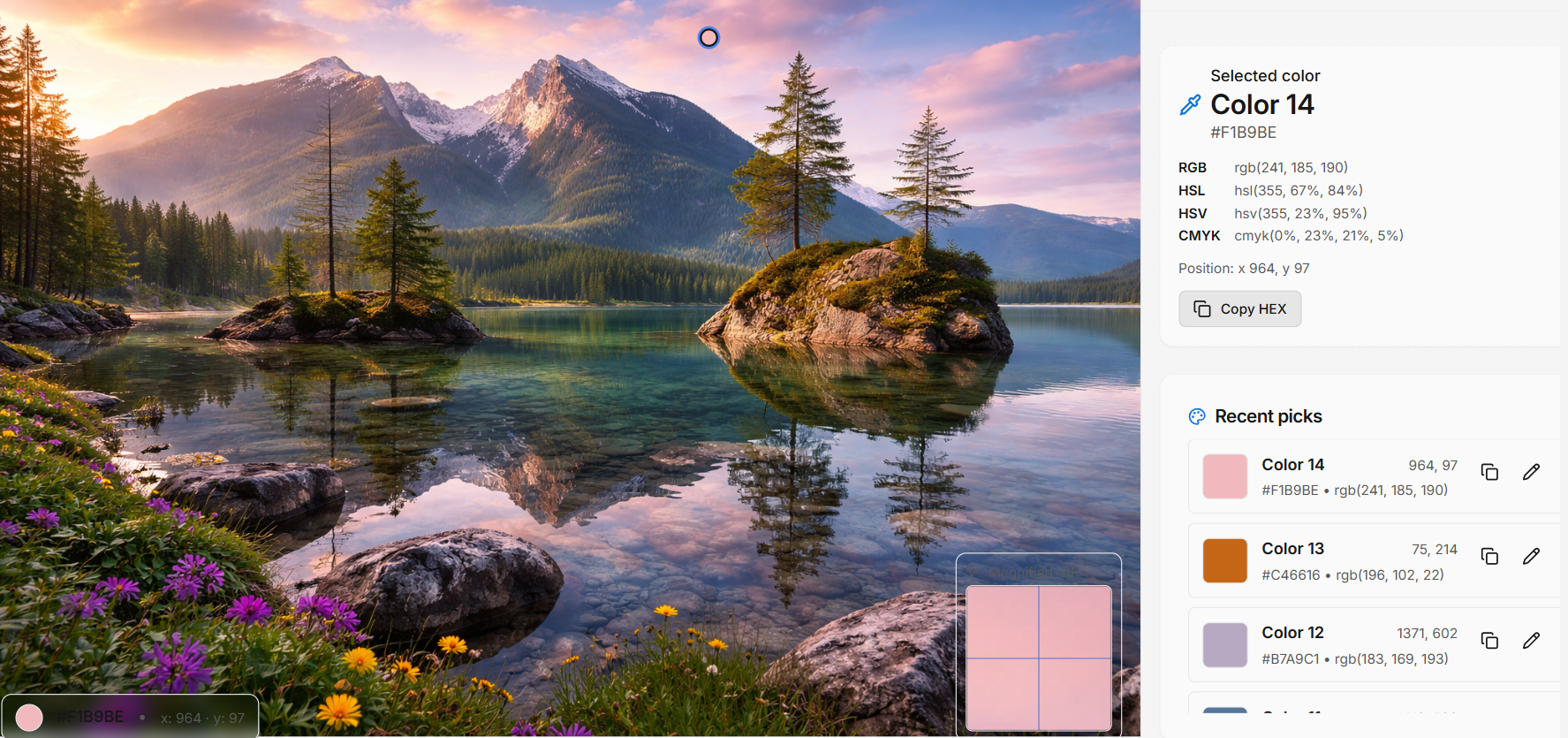
Select colors manually
Click any point in the image to instantly view RGB, HSL, HSV, CMYK values and the exact pixel position. This turns the tool into a precise online color picker, not just a palette extractor.
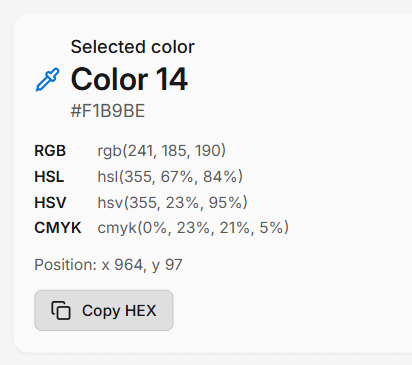
Copy the HEX code
After selecting a color, click Copy HEX. The code is copied to your clipboard and ready to use in CSS, web design, and production workflows.
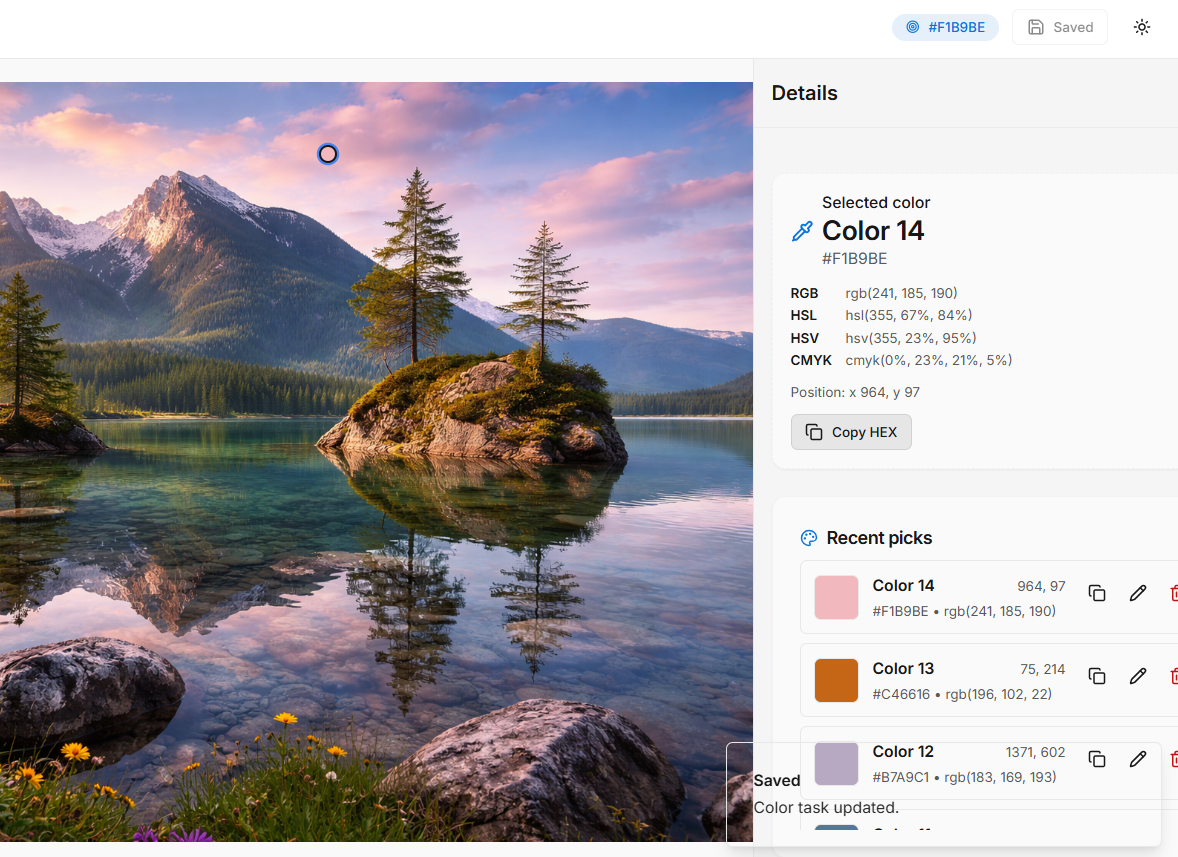
Save changes
Click Save changes to store your results.
Where It Adds Real Value
🎨 Design Teams
Maintain chromatic consistency across campaigns and product lines.
🏷 Brand QA
Verify compliance with official brand color guidelines.
🛍 Ecommerce
Standardize product colors across listings and catalogs.
🖨 Production
Reduce printing errors and color mismatches before manufacturing.
Stop debating colors. Start validating them.
AI-powered color extraction with structured, reproducible data.
Try the Color Tool